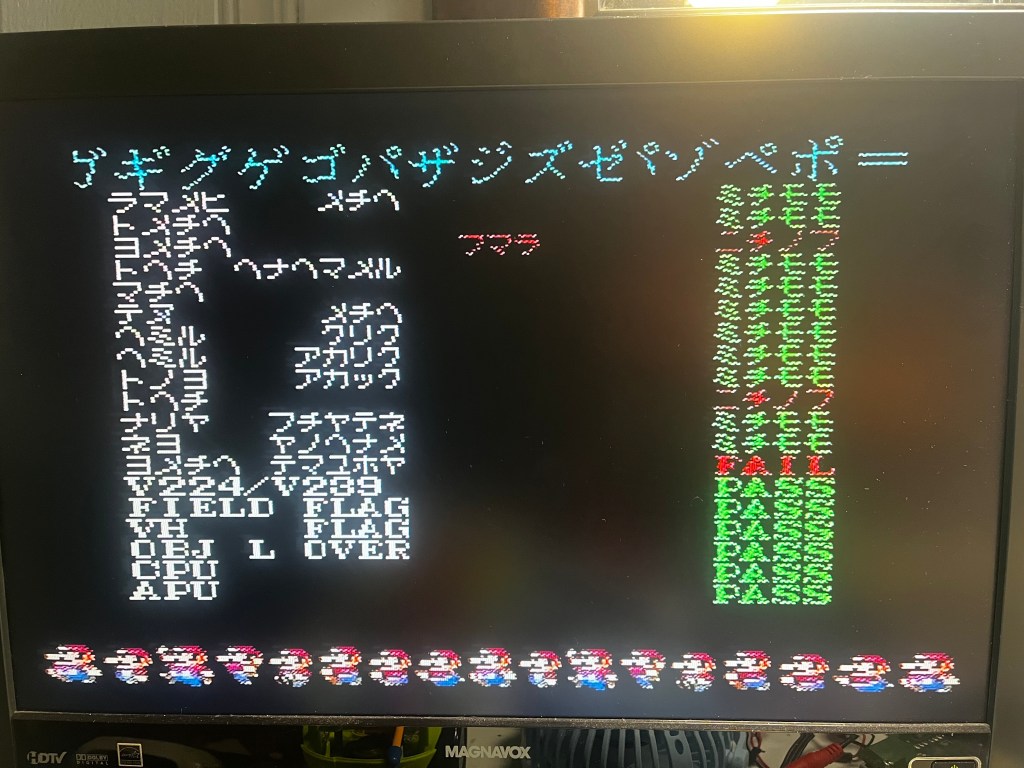
This was one of most curious burn-in test results I’ve seen. As soon as the first vram test completed, some of the characters switched into Japanese.
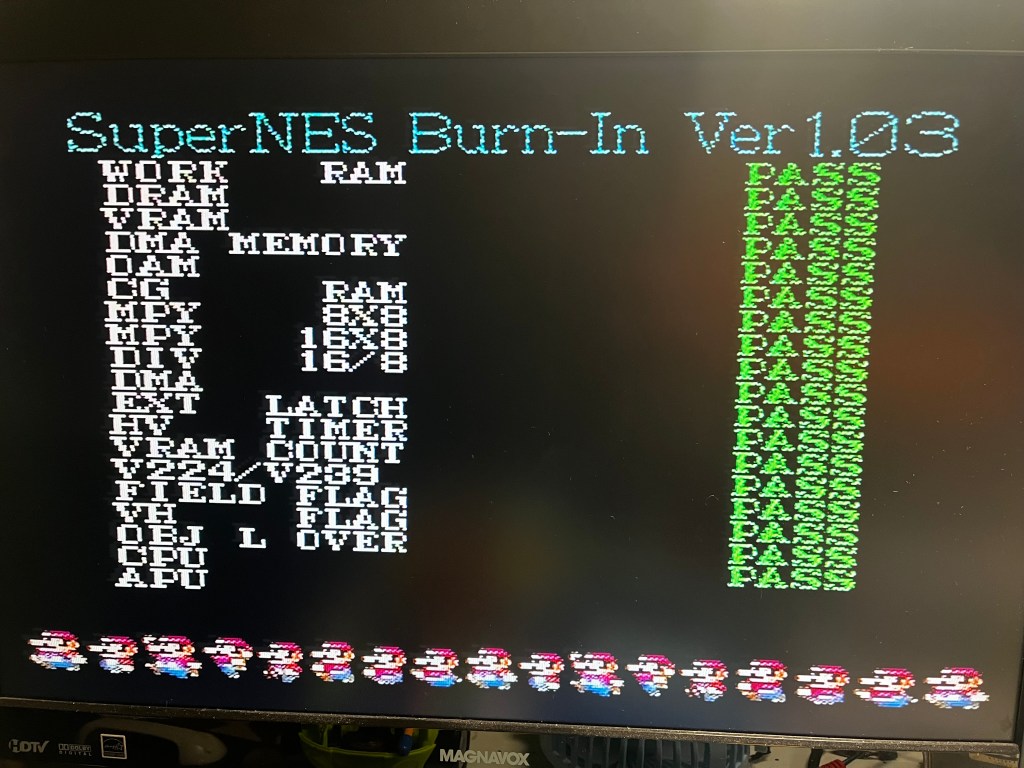
For reference, here’s what the test screen is supposed to look like:
With the explicit vram failures, I first tried swapping both vram chips (I’ve not actually found a failed vram chip yet, and I thought this might be it…). But, after replacing both vram chips, the result of the burn-in test was the same. Same test failures and same Japanese characters.
After some googling, I found a YouTube video of someone with the exact same error set – and the solution was to replace the PPU1 chip. Indeed, this was my issue as well. After replacing the PPU1 chip, the burn-in test passed with no issues.
It’s always great to have a motherboard that’s saved, rather than going to the parts box. Next time I encounter this error set, I’ll suspect PPU1 as the first culprit!


Leave a comment